Category Archives: Node.js Tutorial

Node Js Tutorial

Node.js MongoDB Remove Record

Node.js MongoDB Remove Record

The remove() method is used to remove a record from a MongoDB collection, you have to pass search parameters using query object to specify the records to be removed.

Example :- Let’s remove a records from “employees” collection where emp_name is “Keith”.

Step 1:- Let’s, create a node_mongo_remove.js file and put the following code in it –

Step 2:- Save the code and open the terminal again, and type the following command in order to run the file.

you will see following output on terminal –

Output:-


Node.js MongoDB Filter Query

Node.js MongoDB Filter Query

While finding records in a MongoDB collection, you can pass search parameters using query object to filter the MongoDb result. The query object is used to limit the search result.

Example :- Let’s select records from “employees” collection where emp_name is “Keith”.

Step 1:- Let’s, create a node_mongo_filter.js file and put the following code in it –

Step 2:- Save the code and open the terminal again, and type the following command in order to run the file.

you will see following output on terminal –

Output:-

Node.js MongoDB Filter With Regular Expression

Example :- Let’s select records from “employees” collection where emp_name starts with the letter “S”.

Step 1:- Let’s, create a node_mongo_filter_regex.js file and put the following code in it –

Step 2:- Save the code and open the terminal again, and type the following command in order to run the file.

you will see following output on terminal –

Output:-


Nodejs MongoDB Find Record

Node.js MongoDB Find Record

The findOne() method is used to select a single record from a MongoDB collection. It returns the first record in the given collection.

Example :- Let’s select a single record from “employees” collection.

Step 1:- Let’s, create a node_mongo_findone.js file and put the following code in it –

Step 2:- Save the code and open the terminal again, and type the following command in order to run the file.

you will see following output on terminal –

Output:-

Node.js MongoDB Select Multiple Record

The find() method is used to select all records from a MongoDB collection. It returns the all record in the given collection.

Example :- Let’s select all record from “employees” collection.

Step 1:- Let’s, create a node_mongo_find.js file and put the following code in it –

Step 2:- Save the code and open the terminal again, and type the following command in order to run the file.

you will see following output on terminal –

Output:-


Nodejs MongoDB Insert Record

Node.js MongoDB Insert Record

A record, or document can be inserted into MongoDB collection using the insertOne() method. It takes an object containing keys(s) and value(s) of each field in the document as first parameter, and a callback function as second parameter where you can work with any errors, or the result of the insertion.

Example :- Let’s insert a record or document in “employees” collection.

Step 1:- Let’s, create a node_mongo_insert.js file and put the following code in it –

Step 2:- Save the code and open the terminal again, and type the following command in order to run the file.

you will see following output on terminal –

Output:-

Insert Multiple Records

The insertMany() method is used to insert multiple records in a MongoDB collection. It takes array of objects that contain the records or documents you want to insert.

Step 1:- Let’s, create a node_mongo_multi_insert.js file and put the following code in it –

Step 2:- Save the code and open the terminal again, and type the following command in order to run the file.

you will see following output on terminal –

Output:-

The Result Object

insertMany() method, returns a result object which holds the information about how the insertion affected the database.

Example:- The insertedCount property returns the number of document inserted

Output:-

The _id Field

The _id Field is used to assign an unique id to each of the document or records in a collection. If you don’t specifies it the MongoDB engine will assign a unique id for each of the document. You can also specify it and it must be unique for each of the document.



Nodejs MongoDB Create Collection

Node.js MongoDB Create Collection

MongoDB is a NoSQL database and it stores data in form of collection instead of table. A MongoDB collection is simply created using the createCollection method.

Example :- Let’s create MongoDB Collection named as “employees”

Step 1:- Let’s, create a node_mongo_create_collection.js file and put the following code in it –

Step 2:- Save the code and open the terminal again, and type the following command in order to run the file.

you will see following output on terminal –

Ooutput:-

Nodejs MongoDB Create Database

Node.js MongoDB Create Database

In order to create a MongoDB database , we have to first create a MongoClient object, then to pass a connection URL with the correct ip address and the name of the database you would like to create. MongoDB engine first check for the database if it does not exist then it creates and make a connection to the database.

Example :- Let’s create MongoDB database named as “nodemongo”

Step 1:- Let’s, create a node_mongo_create_db.js file and put the following code in it –

Step 2:- Save the code and open the terminal again, and type the following command in order to run the file.

you will see following output on terminal –

Output:-


Nodejs MySQL Select Records

Node.js MySQL Select Records

Records can be selected from MySQL Table simply by using “SELECT” statement.

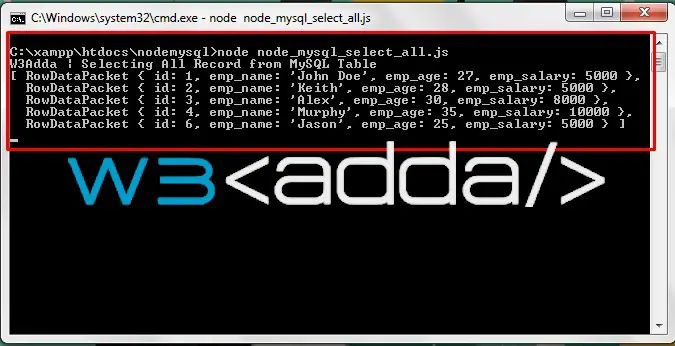
Example :- Let’s select all records from “employees” table under “nodemysql” database.

Step 1:- Let’s, create a node_mysql_select_all.js file and put the following code in it –

Step 2:- Save the code and open the terminal again, and type the following command in order to run the file.

you will see following output on terminal –

Node.js MySQL Select Records 1

Node.js MySQL Select Records 1

Node.js MySQL Select With Where

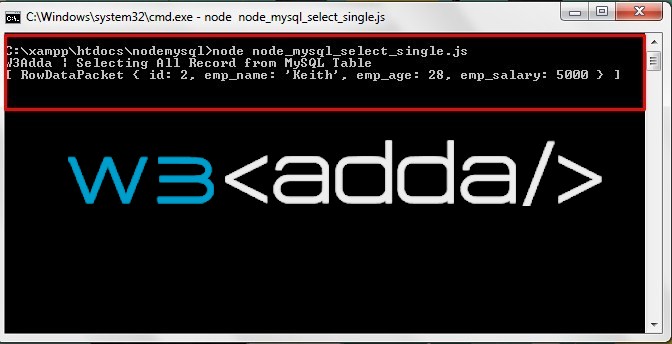
Example :- Let’s select a record from “employees” table “emp_name” is “Keith”.

Step 1:- Let’s, create a node_mysql_select_single.js file and put the following code in it –

Step 2:- Save the code and open the terminal again, and type the following command in order to run the file.

you will see following output on terminal –

Node.js MySQL Select Records 2

Node.js MySQL Select Records 2


Nodejs MySQL Delete Records

Node.js MySQL Delete Records

A record can be deleted from MySQL Table simply by using “DELETE FROM” statement.

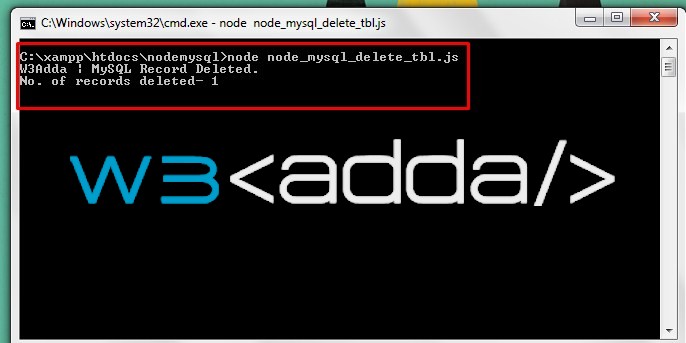
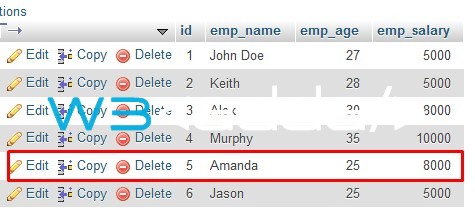
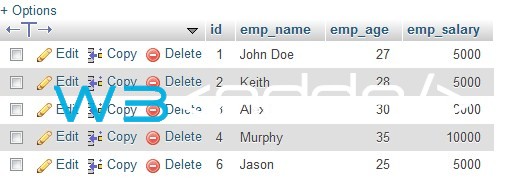
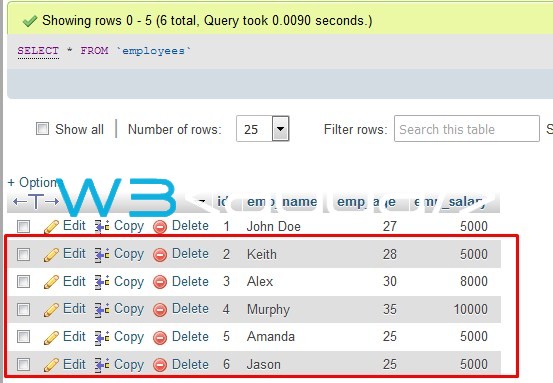
Example :- Let’s delete a record from “employees” table where “id” is 5.

Step 1:- Let’s, create a node_mysql_delete_tbl.js file and put the following code in it –

Step 2:- Save the code and open the terminal again, and type the following command in order to run the file.

you will see following output on terminal –


Node.js MySQL Delete Records 1

Node.js MySQL Delete Records 1

Before Delete :-

Node.js MySQL Update Records 3

After Delete :-

Node.js MySQL Delete Records 2

Node.js MySQL Delete Records 2


Nodejs MySQL Update Records

Node.js MySQL Update Records

Database record can be updated using the “UPDATE” statement.

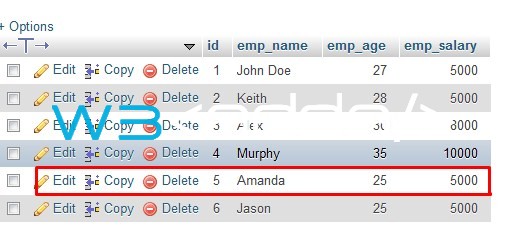
Example :- Let’s update “emp_salary” in “employees” table where “id” is 5.

Step 1:- Let’s, create a node_mysql_update_tbl.js file and put the following code in it –

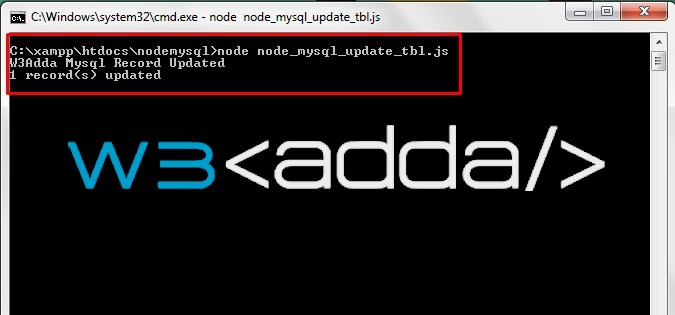
Step 2:- Save the code and open the terminal again, and type the following command in order to run the file.

you will see following output on terminal –

Node.js MySQL Update Records 1

Node.js MySQL Update Records 1

Before Update –

Node.js MySQL Update Records 2

Node.js MySQL Update Records 2

After Update –

Node.js MySQL Update Records 3

Node.js MySQL Update Records 3


Nodejs MySQL Insert Records

Node.js MySQL Insert Records

A record can be inserted into MySQL Table simply by using “INSERT INTO” statement.

Example :- Let’s insert a record in “employees” table under “nodemysql” database.

Step 1:- Let’s, create a node_mysql_insert_tbl.js file and put the following code in it –

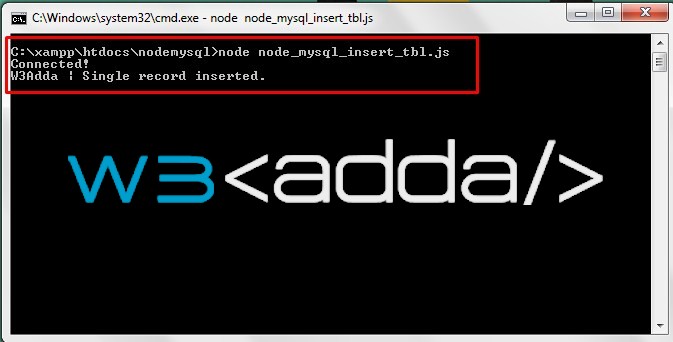
Step 2:- Save the code and open the terminal again, and type the following command in order to run the file.

you will see following output on terminal –

Node.js MySQL Insert Records 1

Node.js MySQL Insert Records 1

Node.js MySQL Insert Records 2

Node.js MySQL Insert Records 2

Insert Multiple Records

Step 1:- Let’s, create a node_mysql_multi_insert_tbl.js file and put the following code in it –

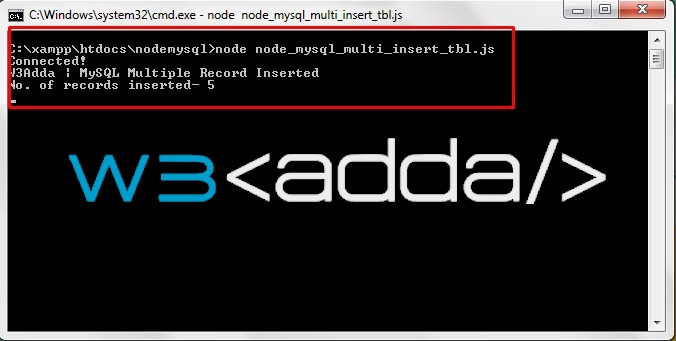
Step 2:- Save the code and open the terminal again, and type the following command in order to run the file.

you will see following output on terminal –

Node.js MySQL Insert Records 3

Node.js MySQL Insert Records 3

Node.js MySQL Insert Records 4

Node.js MySQL Insert Records 4


Nodejs MySql Create Table

Node.js MySql Create Table

MySQL Database Table can simply be created using “CREATE TABLE” statement.

Example :- Let’s create MySQL database Table named as “employees” under “nodemysql” database.

Step 1:- Let’s, create a node_mysql_create_tbl.js file and put the following code in it –

Step 2:- Save the code and open the terminal again, and type the following command in order to run the file.

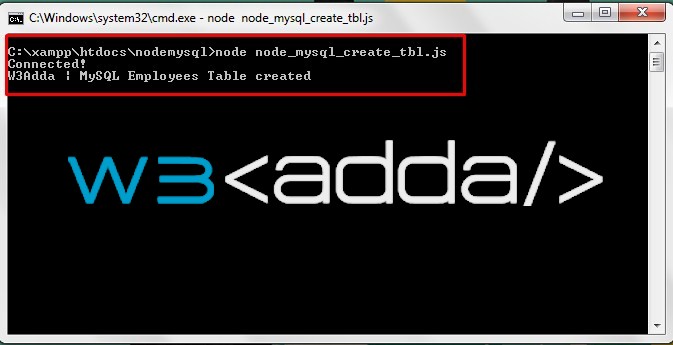
you will see following output on terminal –

Node.js MySql Create Table 1

Node.js MySql Create Table 1

Node.js MySql Create Table 2

Node.js MySql Create Table 2

Add Columns to existing Table

A column can easily be added to an existing MySQL Table using the “ALTER TABLE” statement.

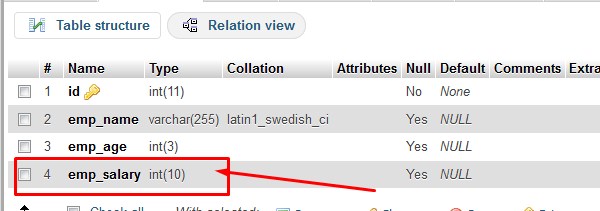
Example :- Let’s add “emp_salary” to database Table “employees”.

Step 1:- Let’s, create a node_mysql_alter_tbl.js file and put the following code in it –

Step 2:- Save the code and open the terminal again, and type the following command in order to run the file.

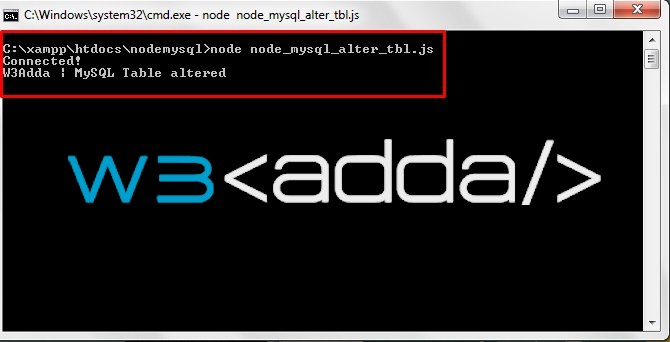
you will see following output on terminal –

Node.js MySql Alter Table 1

Node.js MySql Alter Table 1

Node.js MySql Alter Table 2

Node.js MySql Alter Table 2


Nodejs MySql Create Database

Node.js MySql Create Database

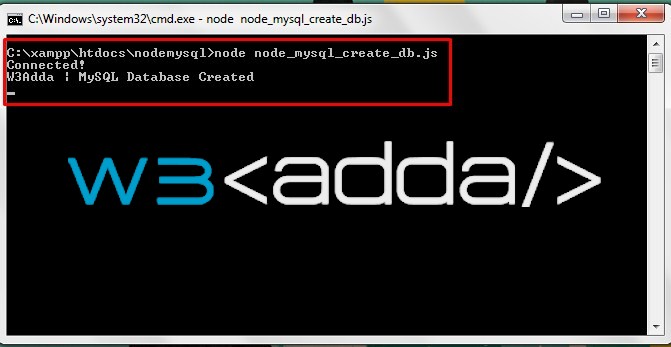
MySQL Database can simply be created using “CREATE DATABASE” statement.

Example :- Let’s create MySQL database named as “nodemysql”

Step 1:- Let’s, create a node_mysql_create_db.js file and put the following code in it –

Step 2:- Save the code and open the terminal again, and type the following command in order to run the file.

you will see following output on terminal –

Node.js MySql Create Database

Node.js MySql Create Database