Category Archives: Servlet Tutorial

Servlet Tutorial

Servlet ServletConfig

Servlet ServletConfig Interface

During initialization a servlet container uses a servlet configuration object so that it can pass information. In other word this object can be used to get configuration information from web.xml file. Now suppose we have change the information in web.xml file so we don’t need to change the servlet.

Get Object of ServletConfig

The getServletConfig() method is used to returns the object of ServletConfig.

ServletConfig Interface Methods

public string getInitParameter(String name):- This method is used to get the value of initialization parameter with the given name.

public Enumeration getInitParameterNames():- This method is used to returns the names of servlet’s initialization parameter as an Enumeration of String object.

public String getServletName(): This method returns the name of Servlet.

public ServletContext getServletContext(): This method is used to returns a reference to the ServletContext in which the caller is executing.

Initializing parameter in web.xml file

Syntax:-

Example:-

Let’s understand this by an example. Create Servlet file as follow.

ServletConfiDemo.java :-

In this file we have created object of ServletConfig interface and with the help of this object we got the init parameter. Check below code.

Web.xml :-

In the web.xml file we have set our init parameter . Follow below code.

Output :-

Let’s see the output of this simple task. Check below image.
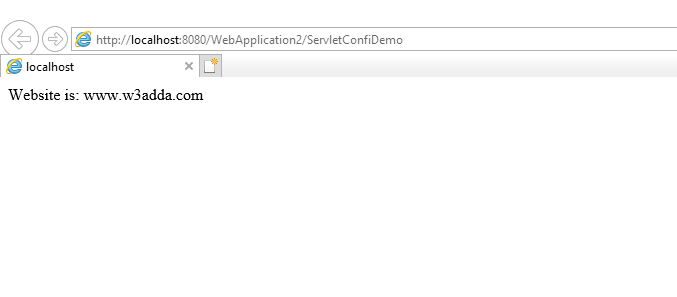
image001

Servlet Interface

Servlet Interface

A Servlet is small program which runs within a web server and public interface Servlet defines methods which is must implemented by all Servlet. For initialization a Servlet, For service requests and for removing a Servlet from the server this interface defines some methods. These methods are called life-cycle methods. Also it provides 2 non-life-cycle methods.

Servlet Interface Methods

These are 5 life-cycle and non-life-cycle methods in Servlet Interface.

public void init(ServletConfig config) :– This method is called by the Servlet container which indicates that Servlet is being placed into service. The Servlet container calls the init method only once post instantiating the Servlet. This is life-cycle method of Servlet.

public void service(ServletRequest request,ServletResponse response) :-

This method is called by the Servlet container which is used to allow the Servlet to respond to a request. This method is called post the init() method of Servlet.

public ServletConfig getServletConfig() :-

This method returns a ServletConfig object, which contains initialization and startup parameter for this Servlet.

public String getServletInfo() :– This method returns information about the Servlet, like author, version, and copyright. The string that this methods returns must be plain text.

public void destroy():- If the Servlet taken out from the service so this method is being called by the Servlet container. After calling method by Servlet container, it will not call the service method again on this Servlet.

Example:-

Let’s understand these all methods and Servlet Interface By below example.

Output:-

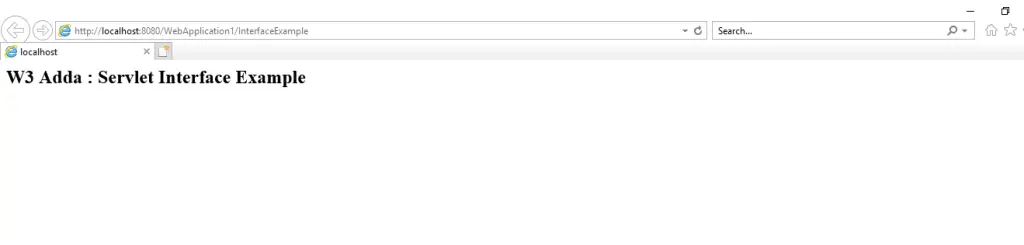
Output of this class will be like below image.

image003

Servlet ServletRequest

Servlet ServletRequest Interface

ServletRequest is an interface which provide the client request to a servlet. The servlet container creates a ServletRequest and passes it as an argument to the service method of servlet. It provides data to servlet which includes parameter name and values,attributes and input stream.

ServletRequest Interface Methods

There are some of ServletRequest methods are discussed below.

public String getParameter(String name) : This method is used to get the value of Request Parameter as a string, or null if the parameter not exist.

java.util.Enumeration getParameterNames(): This method is used to Returns an Enumeration of String objects containing the names of the parameters contained in this request.

public String[] getParameterValues(String name) : This is the method which returns array of String object or null if there is no parameter

public int getServerPort():This method is used to returns the port number to which the request was sent.

boolean isSecure() : This method is used tor eturns a boolean which indicate whether this request was made using a secure channel, such as HTTPS.

void removeAttribute(java.lang.String name) : This method is used to remove an attribute from this request.

void setAttribute(java.lang.String name, java.lang.Object o) : This method is used to store an attribute in this request.

public int getContentLength(): This method returns the length of request enitity data or
-1 if the length is not known.

public String getCharacterEncoding(): This method is used to returns the name of the character encoding which is used in the body of this request.

public String getContentType(): This is the method which returns the MIME type of the body of the request, or null if the type is not known.

public ServletInputStream getInputStream() throws IOException:This method returns the body of the request as binary data using a ServletInputStream.

public abstract String getServerName(): This method returns the host name of the server to which the request was sent .

Example :-

Let’s create an example to understand servlet request interface. Please read “Servlet Example with Netbeans” before creation this.

Step 1:-

We have to modify our index.html file like below for sending request to servlet. Check below code for this.

Here I have send 2 request parameter to servlet. One is username and second is siteName. In form action you have to put servlet name.

Step 2:-

The servlet code you can check in this step. By using request.getParamter() method we will get parameter value which is coming from index.html file. Check below code.

Output :-

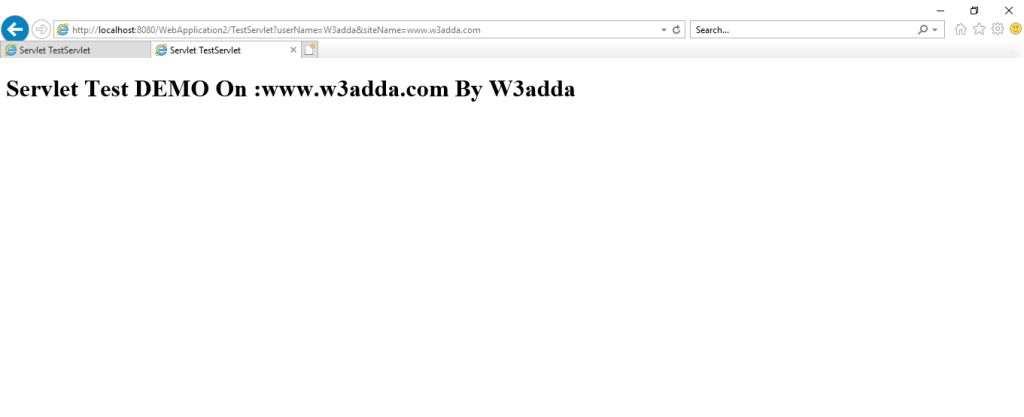
The output of this code is shown in below two images.

Screen 1:-

image001

Screen 2:-

image003

Servlet RequestDispatcher

Servlet RequestDispatcher Interface

This interface defines an object that receives request from the client and sends them to any resource which can be Servlet,HTML or JSP. This interface is intended to wrap servlets, but a servlet container can create RequestDispatcher objects to wrap any type of resources.

RequestDispatcher Interface Methods

There are two methods which are provided by the RequestDispatcher interface.

public void forward(ServletRequest request,ServletResponse response)throws ServletException,java.io.IOException :- This method is used to forwards a request from a servlet to another resource such as servlet, JSP, or HTML file.
public void include(ServletRequest request,ServletResponse response)throws ServletException,java.io.IOException:- This method is used to includes the content of a resources (like servlet, JSP or HTML file) in the response.

RequestDispatcher Method

Syntax:-

The getRequestDisptacher() method is used to returns the object of RequestDisptacher and the syntax is shown below.

Example:-

Let’s understand this interface by an example. The files which are needed for this example are :

index.html:- From this page we are going to send request to servlet.
Login.java (Servlet) :- This is servlet class , which will process the response. If username And Password are matched then it will forward the request to Home.java servlet.
Home.java(Servlet):- This servlet will display the Welcome message to user.
web.xml file:- This is a deployment descriptor file which is used to contain information about the servlet, welcome file etc.

Check below code for creating this file.

index.html :-

login.java :-

You can check that we have send request using post method from index.hmtl file. SO here it is necessary to get data in doPost() method of servlet. We will make condition for checking user name and password here, if it is correct so using getRequestDispatcher() method we will send request to Next Servlet which is Home in our case.

Syntax:-

You can also check it in below code.

Home.java :-

if the username and password is correct so we will get this servlet file. Check below code for this.

web.xml :-

check below xml file , you will find welcome file, servlet deployment etc.

Output:-

Now let’s check the output of this sample project. Check All the images of this code. You can also try this.
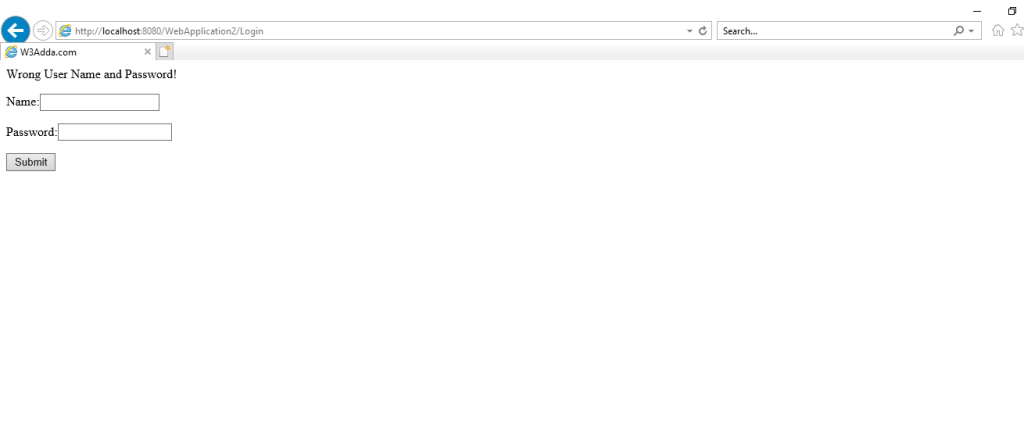
1. This will be the case in which you entered wrong username and password.

image001

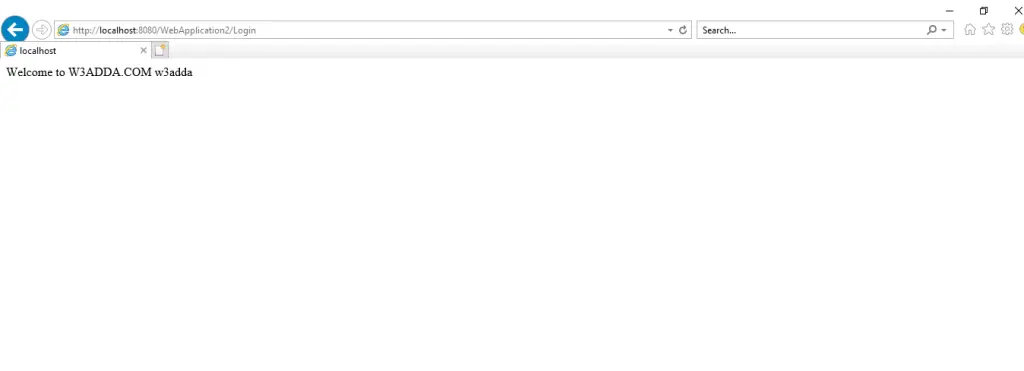
2. After entering correct username and password the output will be like below image.

image002

Servlet Attribute

Servlet Attribute

An attribute in servlet is an object that is used to share information in a web application. Attributes is also allow user to share information among the Servlet themselves, so that we can reuse the same object again and again. It can be SET and GET one of the following scope:

Request
Session
Application

Servlet Attribute Methods

public void setAttibute(String name, Object object):- This method is used to set the attribute.

public void getAttribut(String name):- This method is used to get the value of given attribute.

public void removeAttribute(String name):- This method is used to remove the attribute with the given name of attribute.

Example:-

Let’s understand this thing by an example, we have to create Two servlet file. From first We will set the attribute and in second we will get that attribute by it’s parameter.

ServletContextAtt1

ServletContextAtt2

Output:-

Output of above java files will be like two images.

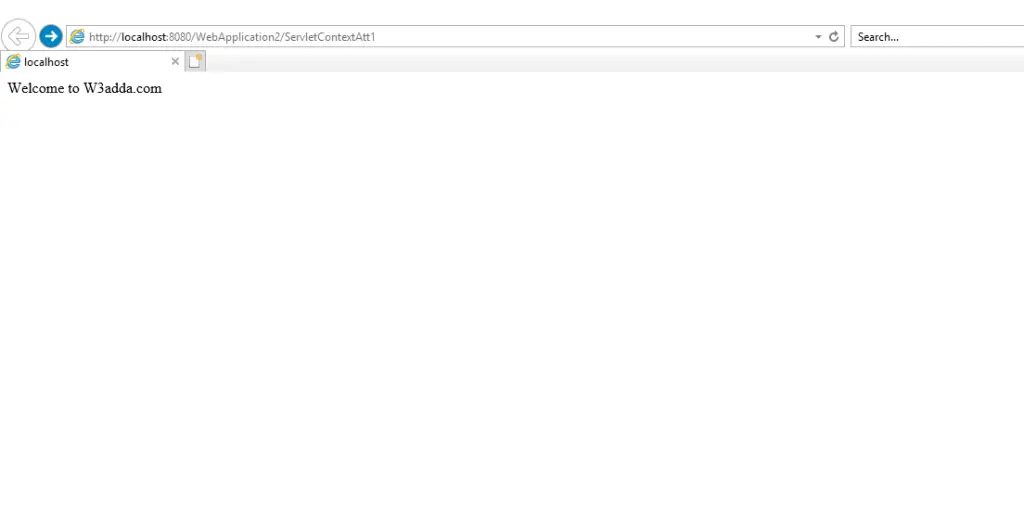
1. Output of first servlet will be like below image. Here we have set the attribute.

image001

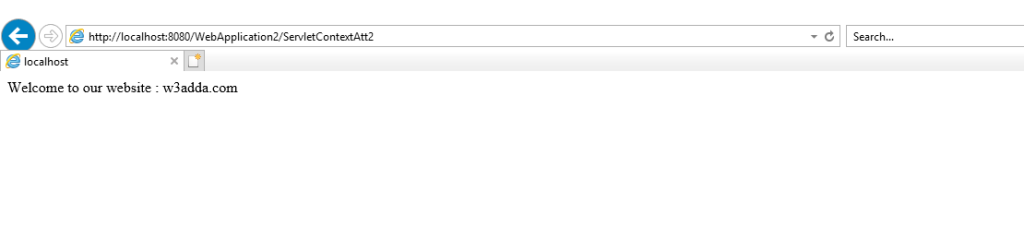
2. Output of the second servlet will be like below image.In which we used the getAttribute() method.

image003


Servlet GenericServlet

GenericServlet Class

GenericServlet is protocol independent, it means it can handle any type of request. It’s direct known subclass is HttpServlet. GenericServlet implements the Servlet , ServletConfig and Serializable interfaces. It can be directly extended by a servlet.

Methods In GenericServlet Class

There are some important methods are listed below.
public void init(ServletConfig config):- This method called by servlet container which indicates that servlet is being placed into service.
public String getInitParameter(String name):– This method is used to returns a string which contain value of the named initialization parameter or null( if the parameter does not exist.)
public abstract void service(ServletRequest request, ServletResponse response):- This method called by Servlet container to allow the servlet to respond to a request.
public void destroy():- This method called by the servlet container to indicates to a servlet is being taken out of service.
public ServletConfig getServletConfig():- This method returns a ServletConfig object, which contains initialization and startup parameter for this Servlet.
public String getServletInfo():- This method returns information about the Servlet, like author, version, and copyright. The string that this methods returns must be plain text.
public ServletContext getServletContext():- This method returns a reference to the ServletContext in which this servlet running.
public String getServletName(): This method returns the name of the this servlet instance.
public void log(String msg):- This method writes the specified message to servlet log file.
public void log(String msg,Throwable t):- This method is used to writes an explanatory message and stack trace for given Throwable exception to the servlet log file.
public void init():- This is a convenience method which can be overridden so that there is no need to call super.init(config).
public Enumeration getInitParameterNames():- This method returns the names of the parameters which are defined in the web.xml file.

Example:-

Let’s understand this class by an example. In this example we have inherited GenericServlet class.

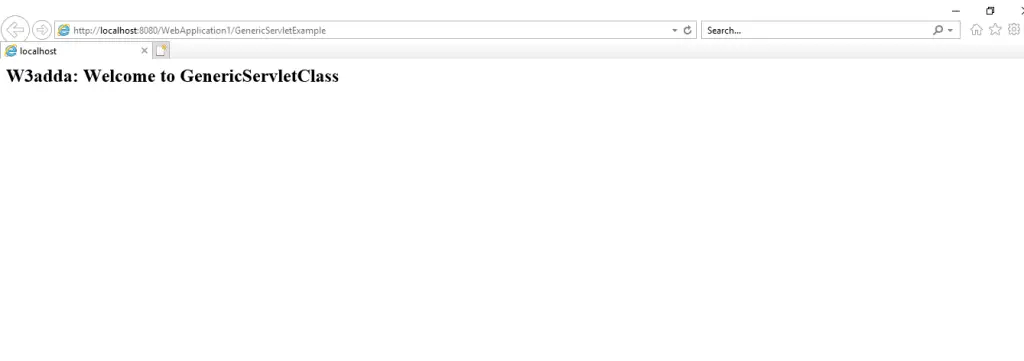
Output:-

Servlet GenericServlet


dgdfgd