ReactJS Hello World Application
We will start learning ReactJS application development by creating a “Hello world!” application. The “Hello world!” program is a simple yet complete example for beginners that illustrates the basics of ReactJS. The “Hello world!” application will also gives you a way to test systems and development environment. This tutorial will guide you through writing a basic “Hello World!” application in ReactJS.
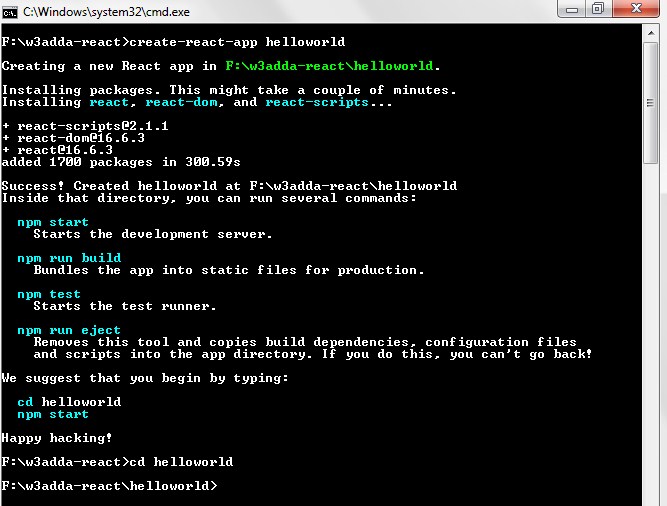
In this tutorial we will use the same application that we created in ReatcJS Installation.
Creating ReactJS Hello World Component
In this example we will create a component that will print “Hello World!” string.
Step 1:- Let’s open src/App.js, that we created in helloworld application.
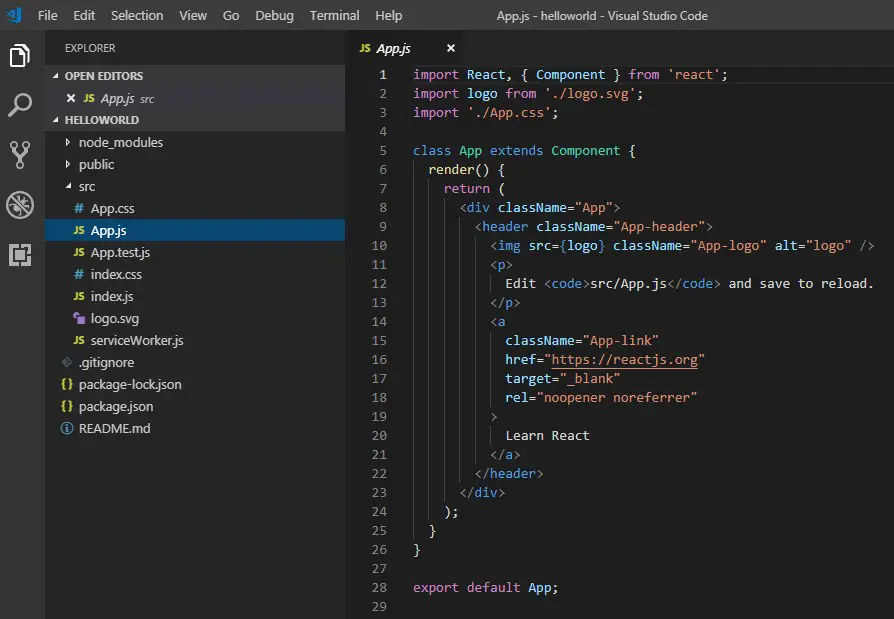
Step 2:- Now, delete the existing code and put the following code in it and save it-
|
1 2 3 4 5 6 7 8 9 10 11 12 13 14 15 |
import React, { Component } from 'react'; import logo from './logo.svg'; import './App.css'; class App extends Component { render() { return ( <div className="App"> <h1>W3Adda - Hello Wolrd!</h1> </div> ); } } export default App; |
src/App.js will now look like this –
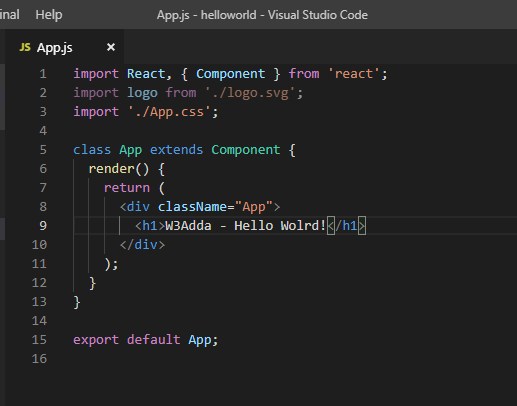
Here, the first statement is used to include the react module, next we are creating a “App” Component by creating a “App” class that extends the Component class.
Inside of “App” class we have created a render method which is a part of React.Component class, it return a “W3Adda – Hello World!” message enclosed in <h1></h1> tag.
Next, we have following statement –
|
1 |
export default App; |
here, we are App component to be mounted to a DOM Element that we have available in public/index.html file –
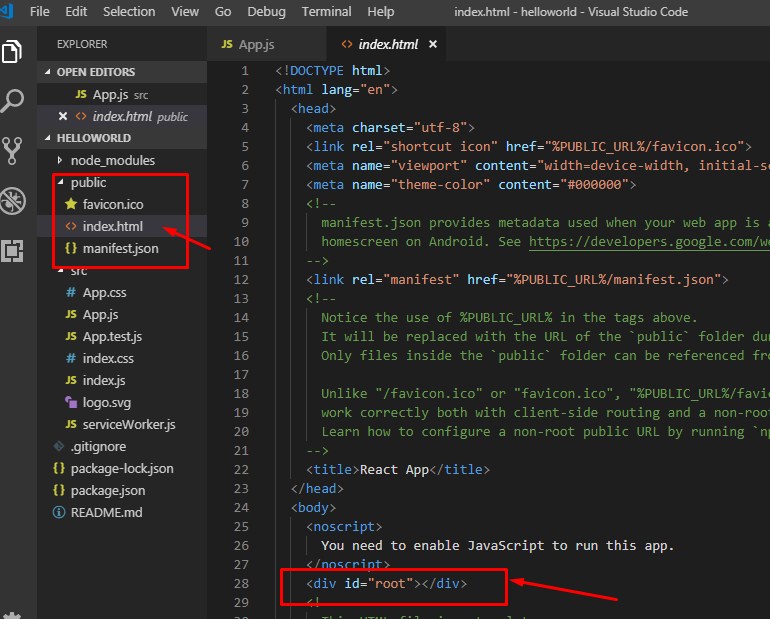
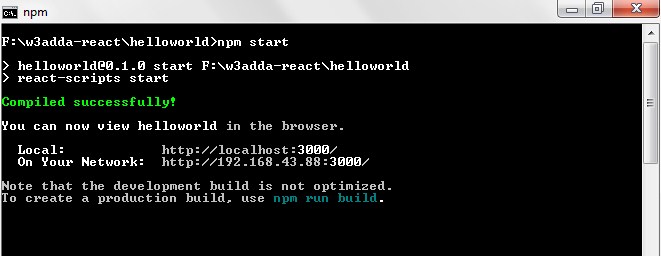
Step 3:- Let’s open the terminal again, change directory to your project folder and type the following command in order to run the server.
|
1 |
F:\w3adda-react\helloworld>npm start |
Step 4:- Now open the following URL in browser to view the output
http://localhost:3000
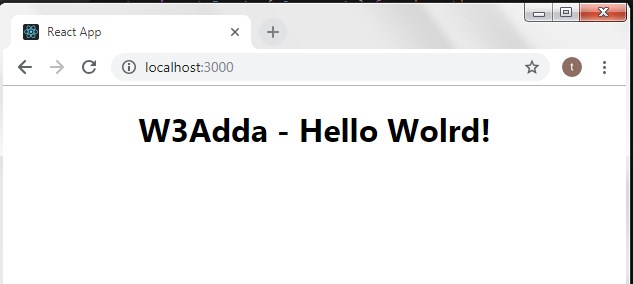
Step 5:- You will see the following screen.