Category Archives: JSP Tutorial

JSP Tutorial

JSP PageContext Implicit Object

JSP PageContext Implicit Object

This is the instance of javax.servlet.jsp.PageContext object. The pageContext instance provides access to all namespace associated with JSP pages .

The PageContext class is an abstract class which defines some fields, including APPLICATION_SCOPE, SESSION_SCOPE, REQUEST_SCOPE,PAGE_SCOPE Which identify the four scope and also defines and inherit some methods like setAttribute, getAttribute,getPage,getRequest etc.

Example: Let’s get understand it with the help of simple example.First we need to create index.jsp file.

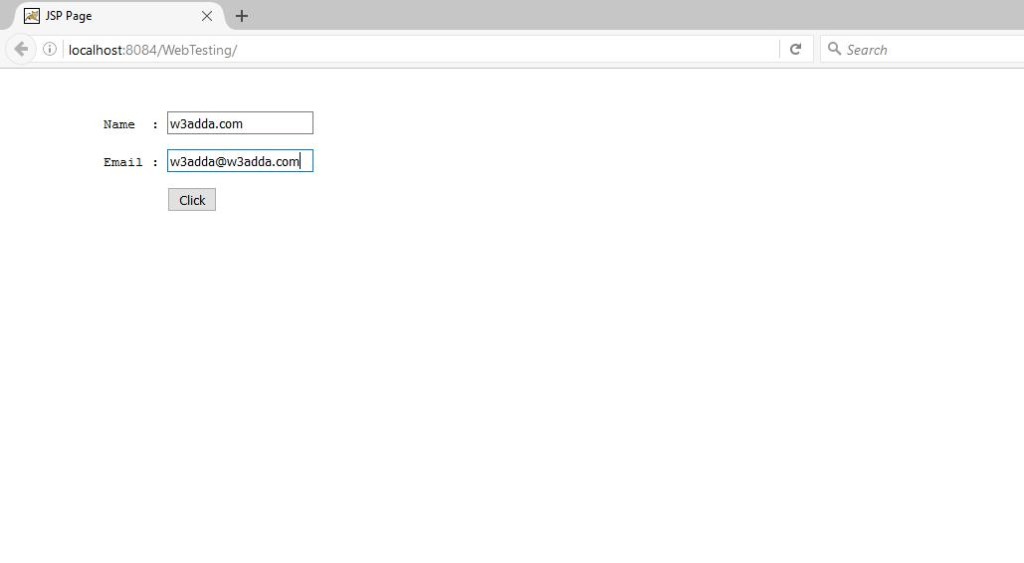
#index.jsp: From here we will fill text in textfields and will perform click action of button. Let’s do code for it.

#Output: So the output of above code will look like below image, we have to click on “Click” button after filling data in text fields.
12

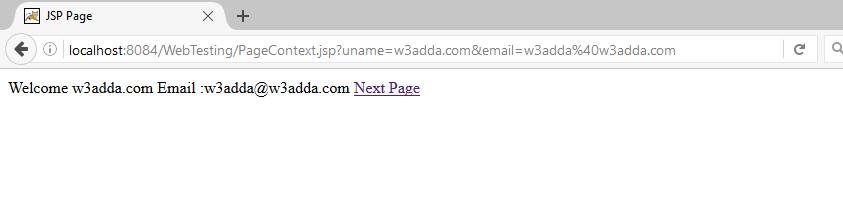
#PageContext.jsp: From here we will set our attributes like below code. Here we have set our attributes in PageContext.SESSION_SCOPE and we will get attributes from same SCOPE.

#Output: The output of above code will look like be below image.
13

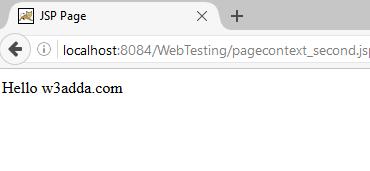
#pagecontext_second.jsp: Here we will get attribute with the help of PageContext.SESSION_SCOPE, You can get understand it from below code.

#Output: So finally we are done with all work of PageContext implicit object see below image which is output of above code.
14

JSP Exception Implicit Object

JSP Exception Implicit Object

The exception object describing the error is a java.lang.Exception instance that is accessible in the error page through the implicit exception object. Only an error page can access the implicit exception object. When the error condition occurred so this implicit object is used to generate an appropriate response. In other words Exception is normally an object which is thrown at runtime, With the help of Exception Handling we can handle runtime process.
In JSP we can perform exception handling by two way:

#Page Directive: With the help of this you can simply create an jsp page and call as directive tag in your processing page.

#By specifying the error-page element in web.xml: If you use this approach for handling error so you do not need to call page directives on each jsp, because you have declared in web.xml file, like below code.

Example: Let’s try exception handling using “errorPage an isErrorPage attributes of page directive“.First we need to create jsp page for an exception.

1.exception.jsp: This page will called when an exception will occurred. Check out below code.

2.index.jsp: This page will appear when you will run, from here you have to enter numbers so that you can divide, check below code.

Output: The above code output will look like below image.

8

#processingPage.jsp: This page will do process of division and if any exception occurred so exception.jsp page will appear with the help of <%@ page errorPage=”exception.jsp” %> this directive tag. Check below code.

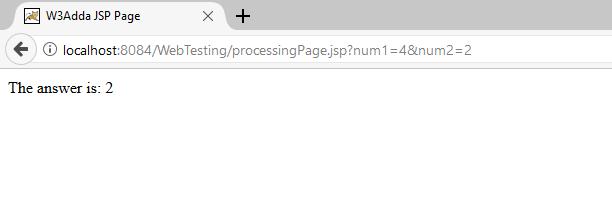
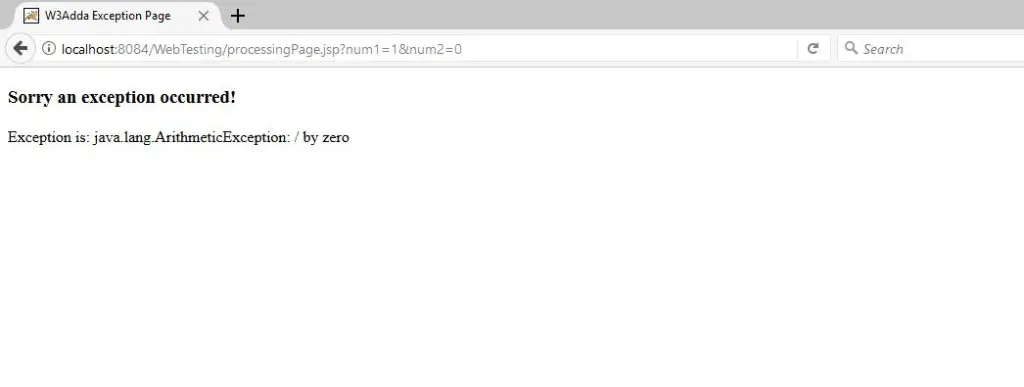
Output: The output of above code differs according to your input, if any exception occurred so output will be “Error Page” else answer of given input will shown. Check below images.

9


10


Example: In this example we will learn that how we can declare our exception page in web.xml file. You do not need to call your page again and again for each jsp, it will automatically called by web.xml. Check below code, exception.jsp and index.jsp page are same as I used in above example, now need to check our processingPage.jsp file and web.xml file.


#web.xml: From here we will declare our exception.jsp page like below code.

#processingPage.jsp: Just remove your directive tag from last processingPage.jsp because we have declare our exception.jsp page in web.xml or check below code.

#Output: It will be like our first example because we did not change our exception.jsp page.

11

JSP Config Implicit Object

JSP Config Implicit Object

The config implicit object is an instance of javax.servlet.ServletConfig. Config implicit object is used for getting configuration information of particular jsp page. This implicit object created by web container .

Example: Let’s get understand it by simple example. We need to initialize our params in web.xml file, check one by one.

#web.xml: Here we will declare <init-param> in the <servlet> tag, like below code.

#Welcome.jsp: Here we will get our configuration file from web.xml, check below code.

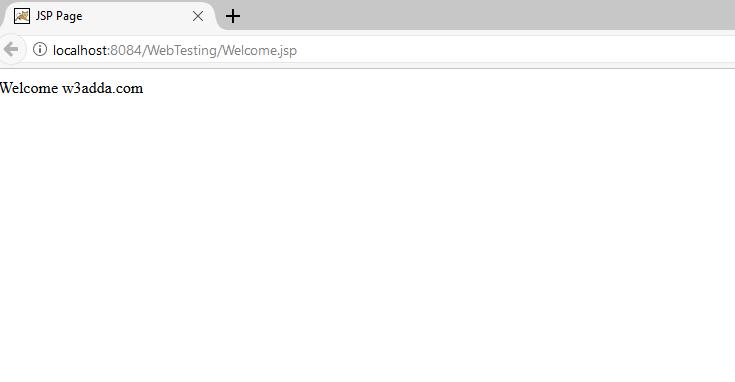
Output: The output of above code will look like below image.

7


JSP application implicit Object

JSP application implicit Object

This is instance of ServletContext and it is created only once by the web container when our web application deploy on server. We need to initialize parameter in the web.xml file and also we can use application scope for this. This Parameter which is initialized in the web.xml can be used in all jsp pages.

Example:Let’s get understand it by an simple example.First we need to open our web.xml file so that we can put “context-params”. Please check below code.


#web.xml

#Welcome.jsp: Here we will get our “context-param” data with the help of “application” implicit object.

#Output: So the output of this code will look like below image.

6

JSP response implicit Object

JSP response implicit Object

This is the instance of HttpServletResponse object and created by the web container for each jsp request.

A response contain data passed between a server and the client and All Responses implement the ServletResponse interface. This interface defines methods that allow you to:

# Retrieve an output stream to use and send data to the client.
# Indicate the content type(for example text/html).
# Indicate whether to buffer output with the setBufferSize(int) method.
# Set localization information such as locale and character encoding.

Example:

//Index.jsp

Output

4

Welcome.jsp: This will call when you will click on “Click” Button.

Output:

5

JSP request implicit object

JSP request implicit object

This implicit object is used to get request information like parameter, header information, remote address, server name etc. This is the HttpServletRequest object that is created by web container for each jsp request. When client requests a page then JSP engine creates a new object to represent that request.

Example:

Index.jsp

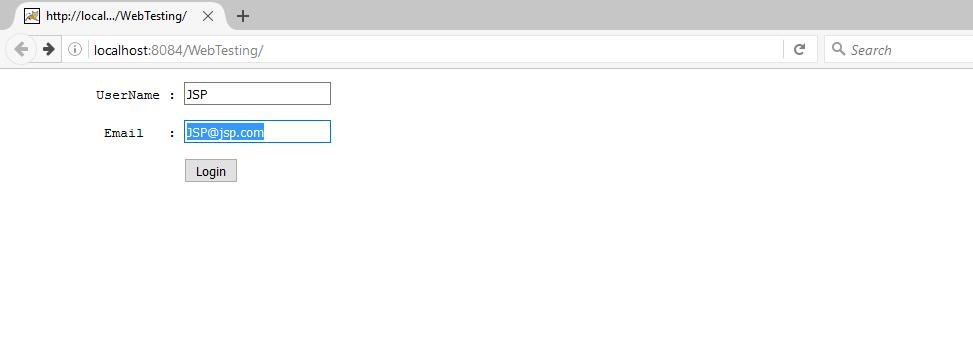
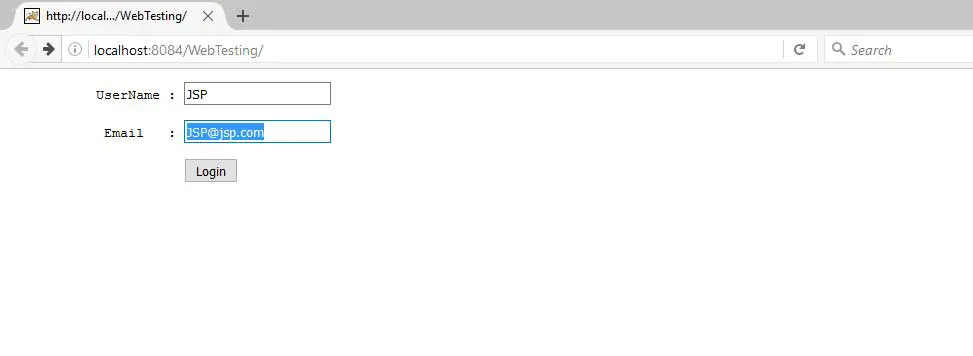
Output :

2


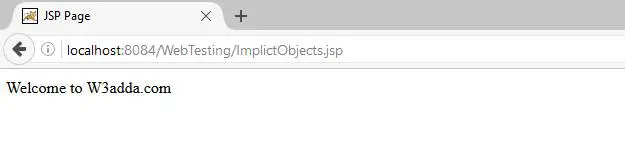
Welcome.jsp: On click on Login this page will called.

Output :

3

JSP Implicit Objects

JSP Implicit Objects

There are 9 jsp implicit objects are available to all jsp pages, which are created by the web container. JSP Implicit Objects are also called pre-defined variables.


  1. page: This is a synonym for this. This is used to call methods defined by the translated servlet class.
  2. out : This is the PrintWriter object which is used to print output.
  3. request: This is the HttpServletRequestobject which is associated with the request.
  4. response: This is the HttpServletResponseobject which is associated with the response.
  5. session: This is the HttpSession object which is associated with request.
  6. application: This is the ServletContext object which is associated with application context.
  7. config: This is the ServletConfig object associated with the page.
  8. pageContext: This is the object PageContext
  9. Exception: The Exception object allow the exception data to be accessed by designated JSP.

  1. page: This implicit object is assigned a reference to the servlet. Page is a instace of JSP page’s servlet processing the current request.This is a synonym for this, it means we can simpy use this keyword in place of page implicit object. This used to call methods defined by the translated servlet class.

  1. out: This implicit object is used to writing data to the buffer. This is the object of PrintWriter, but we don’t to create its object in JSP like Servlet.

The Servlet Syntax is

Example: In this example we are simply displaying our message.

Output:

1


JSP ScriptletTag

JSP ScriptletTag

JSP scripting elements : These elements used to insert Java code inside the JSP(Java Server Pages). There are three type of scripting elements:

  1. Scriptlet Tag
  2. Expression Tag
  3. Declaration Tag


  1. Scriptlet Tag: The Tag From which we can execute java source code which is in JSP. The Syntax of this tag is like below

Let’s get understand it by an example. With the help of below Example we can print our java message on JSP.

Write this code on your JSP page and you will get output like below Image.

1

Now Lets get Understand it by one more example. We are creating two JSP file first one is index.jsp and second is Welcome.jsp. We Will send data from index.jsp to Welcome.jsp and the code will be like below:

index.jsp:

Welcome.jsp:

And the result of these jsp is like below images:

2

3


  1. Expression Tag: This tag is used to write output of Placed code within it. We don’t need to write out.print() to write output. Most of the time this Tag is used to write the values of variable or methods. The Syntax of this Tag is written like below code

Let’s use last example for understanding this Tag.

Welcome.jsp:

The output for this expression tag code will look like below Image The index.jsp page output is same like above image and we did not change anything in index.jsp.

4

  1. Declaration Tag : From the word it is clear that this tag is used for declaration. Declaration Tag is used to declare fields and methods. The code which is used in declaration tag placed outside service() method of auto generated servlet. It doesn’t get memory at each request.

Syntax of Declaration Tag is:

Let’s get understand it by an example. This is the example of Declare Field and printing the value of that field also we have used JSP expression tag for printing the output of declared field.

The output of above code will look like below image

5

Now lets do code for declare method. This is the example of Delcare method which will written square of given number and the output is displayed through Expression Tag.

The Output of this code will look like below Image.6